Google Pixel Phones Now Receiving Android 16 Update
Download Android 16 on Google Pixel 7, 8 & 9 in the US, Canada & UK. Enjoy the new Pixel VIPs widget, AI Mode, Gemini Live app integrations, and refined haptics
Quick Answer
Download Android 16 on Google Pixel 7, 8 & 9 in the US, Canada & UK. Enjoy the new Pixel VIPs widget, AI Mode, Gemini Live app integrations, and refined haptics
Advertisement
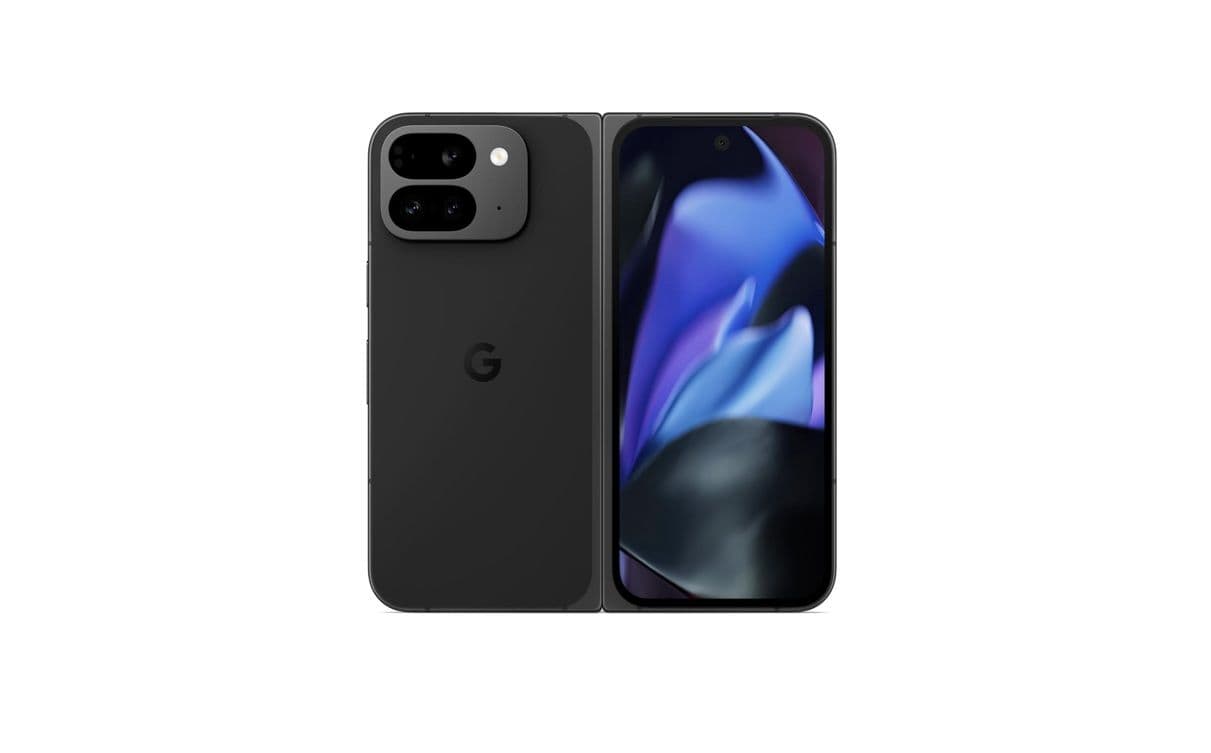
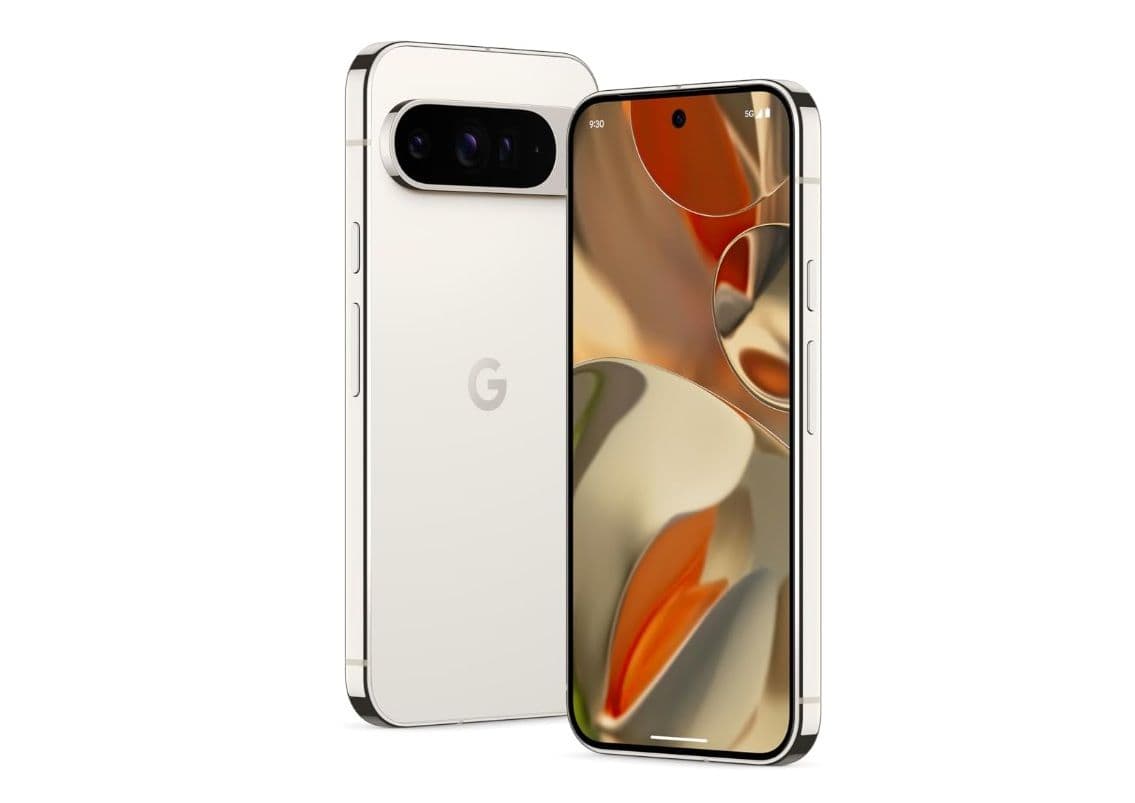
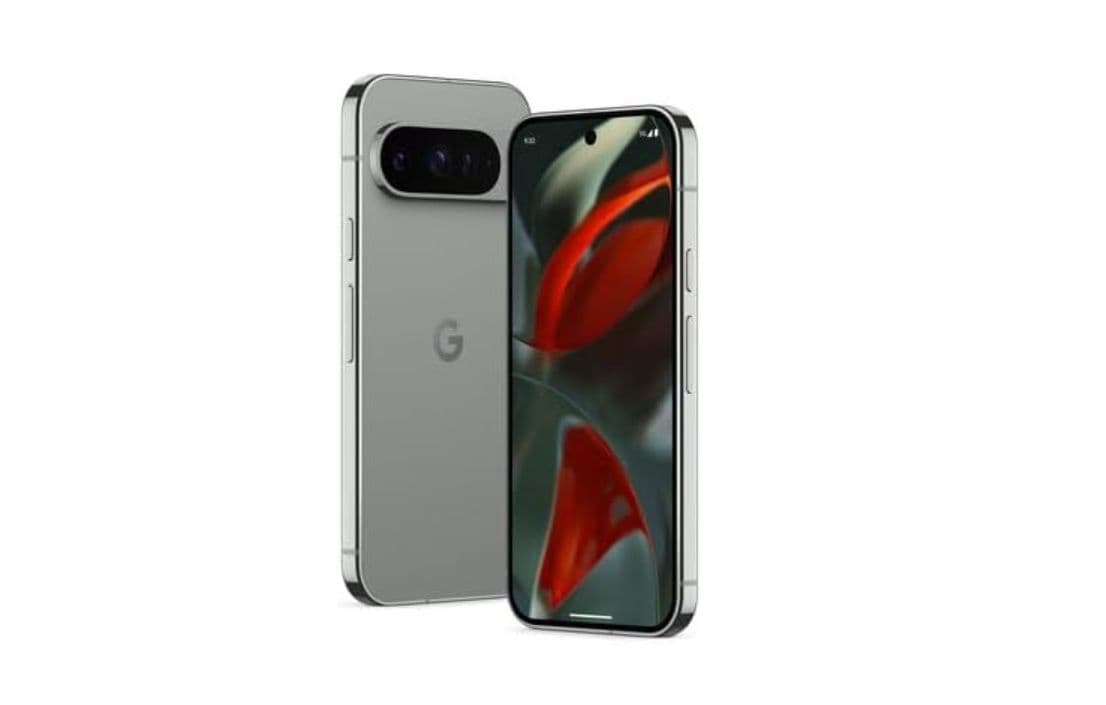
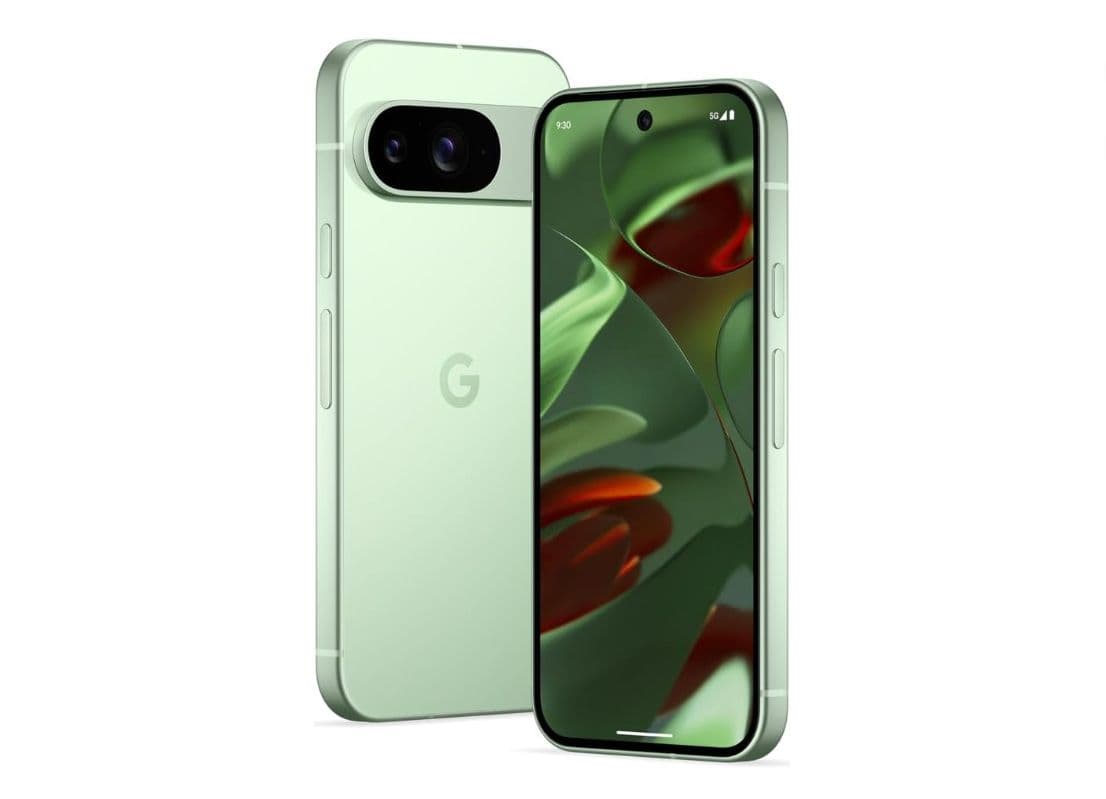
Google has begun rolling out the Android 16 update to Pixel 7, 8, and 9 phones in select English-speaking markets, including the United States, Canada, and the United Kingdom. Non-English regions will get access later.
See Also: U.S. TikTok Ban Delayed By Another 90 Days
What’s new in Android 16 for Pixel?
- Pixel VIPs widget: Turn your closest family and friends into VIP contacts right on your home screen.
- AI Mode on Home Screen: Get deeper answers and follow-up questions with a tap.
- Gemini Live integrations: Use Google Maps, Calendar, Tasks, and Keep directly within Gemini Live.
- Better haptics & navigation: Enjoy refined vibration feedback, updated button navigation, and smoother back animations.
- Enhanced security safeguards: New tools to help protect your data and privacy.

See Also: Samsung Galaxy S24 FE Receives June 2025 Security Patch in Korea
How to Download & Install Android 16 on Pixel Phones
- Connect to Wi-Fi or turn on Cellular Network and charge your Pixel to at least 80%.
- Open Settings > System > System update.
- Tap Download and install (size is about 1.28GB).
- Wait for the update to finish, then restart if prompted.
For full details on Android 16 features, visit the Google Pixel Community.